
Why a Checklist at Checkout Makes Sense
Most purchase regret doesn't come from buying the wrong thing — it comes from not pausing long enough to ask the right questions. Retailers design checkout flows to minimize friction and maximize speed. That's good for their conversion rates. It's not always good for your budget.
This checklist is a deliberate speed bump. Run through it before completing any non-essential purchase — whether you're in a store, on a browser, or inside an app. It works whether you're spending $30 or $300. The goal isn't to talk you out of buying; it's to make sure you're buying on your terms, not someone else's timeline.
If you find yourself skipping questions because a sale is ending soon, that's worth noting. Delaying non-essential purchases by just one day is one of the most well-documented ways to filter out impulse buys — and it costs nothing to try.
Need & Timing
Budget & True Cost
Product & Seller Verification
Payment & Post-Purchase
Tools That Support Better Purchase Decisions
You don't need special software to shop more deliberately, but a few basic tools make the process faster and more reliable. Here's what's worth having on hand before you reach the checkout screen.
Browser or notes app
Keep this checklist open in a separate tab or saved note so you can run through it at any checkout screen.
Monthly budget summary
A simple record of your current month's income and committed expenses helps you verify any purchase fits before you commit.
Independent review aggregators
Sites that compile user reviews from multiple sources let you spot patterns in complaints or praise that a single retailer's page may obscure.
Screenshot or photo tool
Capture the listed price, seller terms, and return policy at time of purchase to protect yourself if details change later.
For larger purchases — appliances, electronics, home improvement materials — it's worth cross-referencing what you know. The most frequent consumer mistakes tend to cluster around skipped research, misread return policies, and overlooked total costs. Taking five extra minutes upfront typically costs far less than dealing with a return, a dispute, or a product that didn't deliver.
If your purchase involves a contractor, a vehicle, or a credit application, different checklists apply — see what to verify before hiring a contractor or this pre-application credit checklist for those situations.
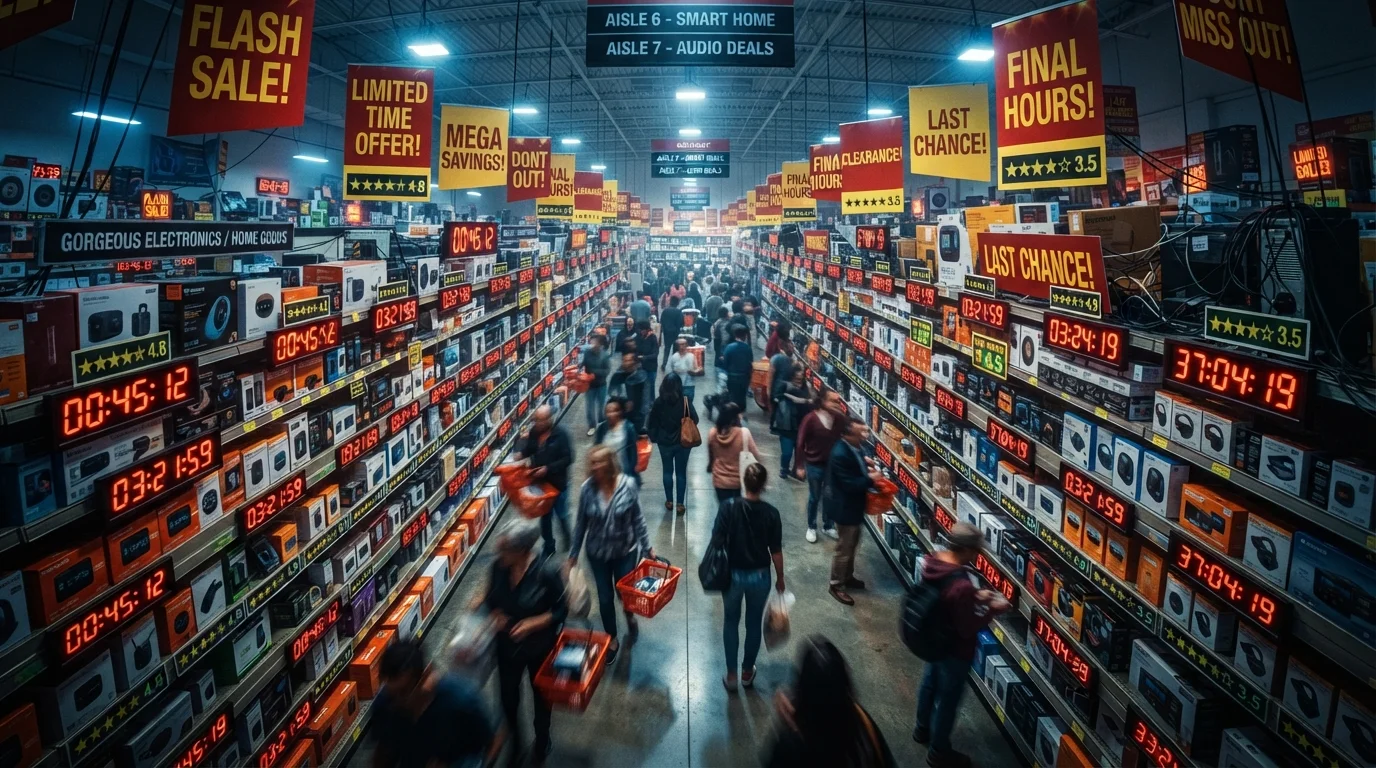
Countdown Timers and "Low Stock" Alerts
Retailers frequently display countdown timers or low-inventory warnings to compress your decision-making window. Consumer behavior research consistently shows these cues trigger purchases that buyers later regret. If a deal requires you to skip this checklist to catch it, that's a strong signal to pause — not rush.
After the Checklist: What to Do With Your Answer
If you've worked through all 18 items and still feel confident about the purchase, go ahead — you've done your due diligence. If even one or two items gave you pause, treat that as signal, not noise.
A "no" to the need question or a "not sure" on the return policy aren't reasons to feel guilty. They're data. The checklist surfaces information you already had — it just makes it harder to ignore. A complementary pre-cart evaluation can help you apply this kind of thinking earlier in the shopping process, before you're already at checkout.
Consistent use of a pre-purchase checklist doesn't mean you'll buy less — it means what you do buy will fit your life and budget better. That's the outcome worth aiming for.